Table of Contents
Repository Setup
Add a Repository
Enter the URL of your GitHub repository and click + Add Repository to register it.
After Registration
Once registered, you will be taken to a screen where you can select a branch and commit to start the analysis.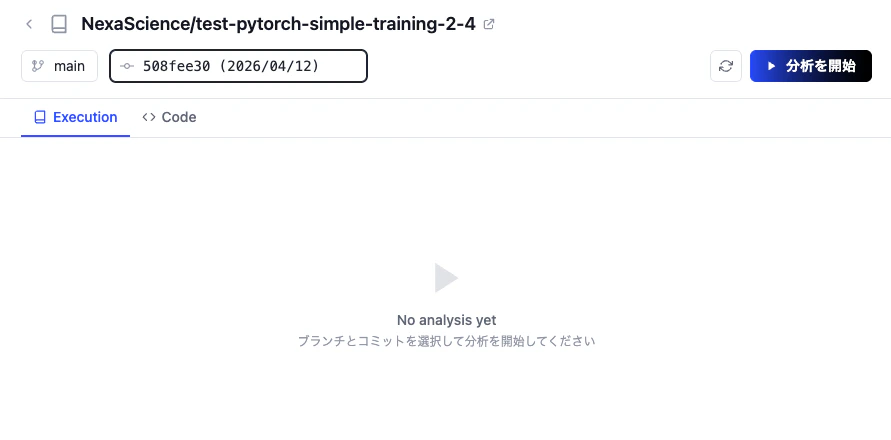
Running Analysis
Start Analysis
Select a branch and commit, then click Start Analysis to run the analysis on your repository.
Summary
A summary and description of the repository’s code is automatically generated based on its contents.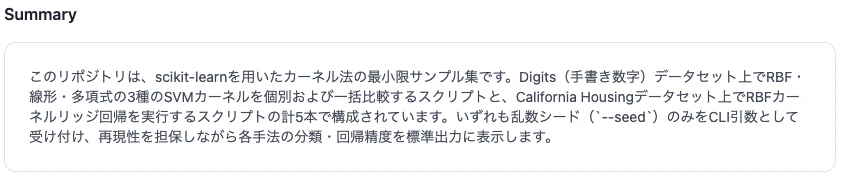
Runs
A list of executable entry points found in the repository is generated. Each entry point includes a description, CLI options, and compute environment settings, and can be run directly via the Run button.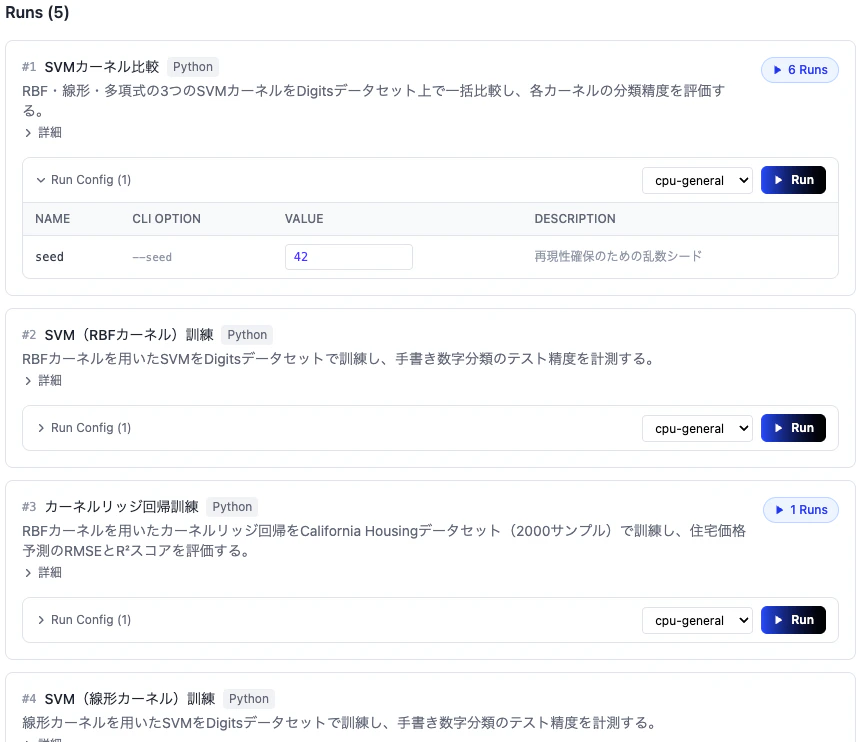
Running Code
Entry Point Card
Select the entry point card you want to run from the Runs list. Each card displays the entry point description and its run configuration.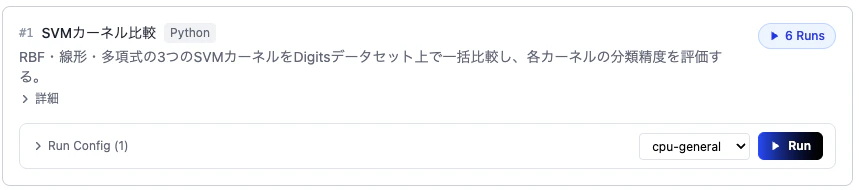
Modify Run Config
Expand Run Config to change CLI option values and select the compute environment (Compute Type).
Run
Once the configuration is ready, click the Run button to start execution.
Monitor Execution
When execution starts, a new Run is added to the Runs list at the bottom of the card. The status is updated in real time while running.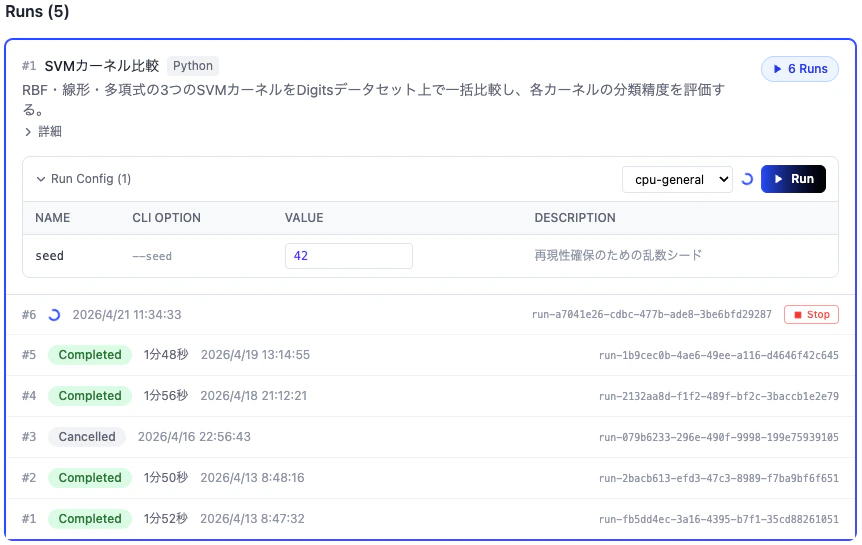
Execution Details
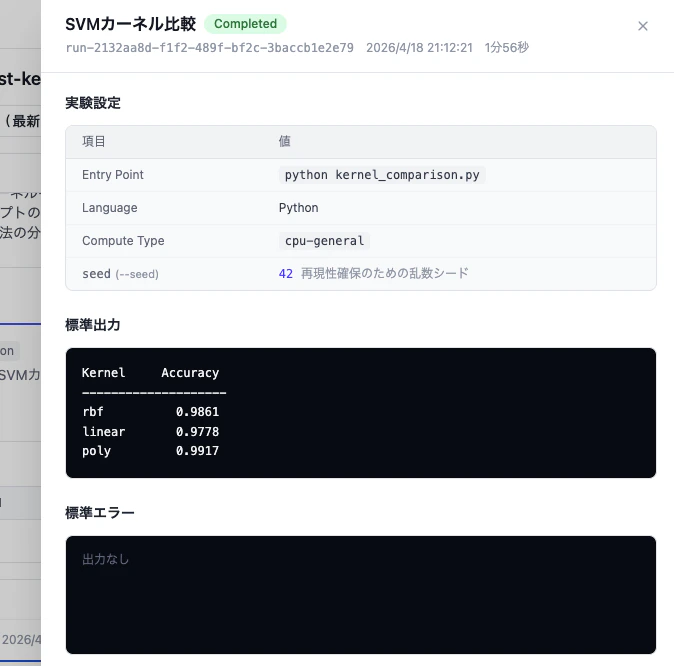
Click on a running Run to view the experiment settings, standard output, and standard error in real time.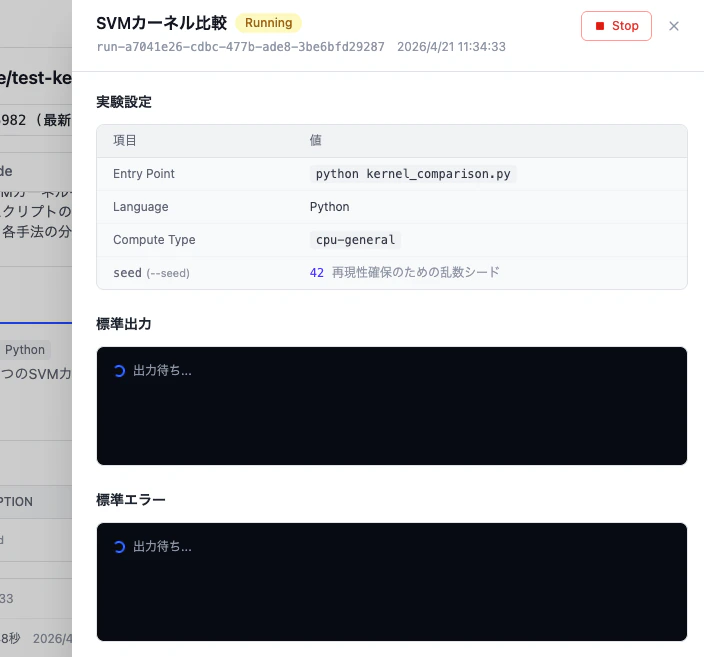
View Results
When execution is complete, the status changes to Completed and the results are shown in the standard output.